retro scaler
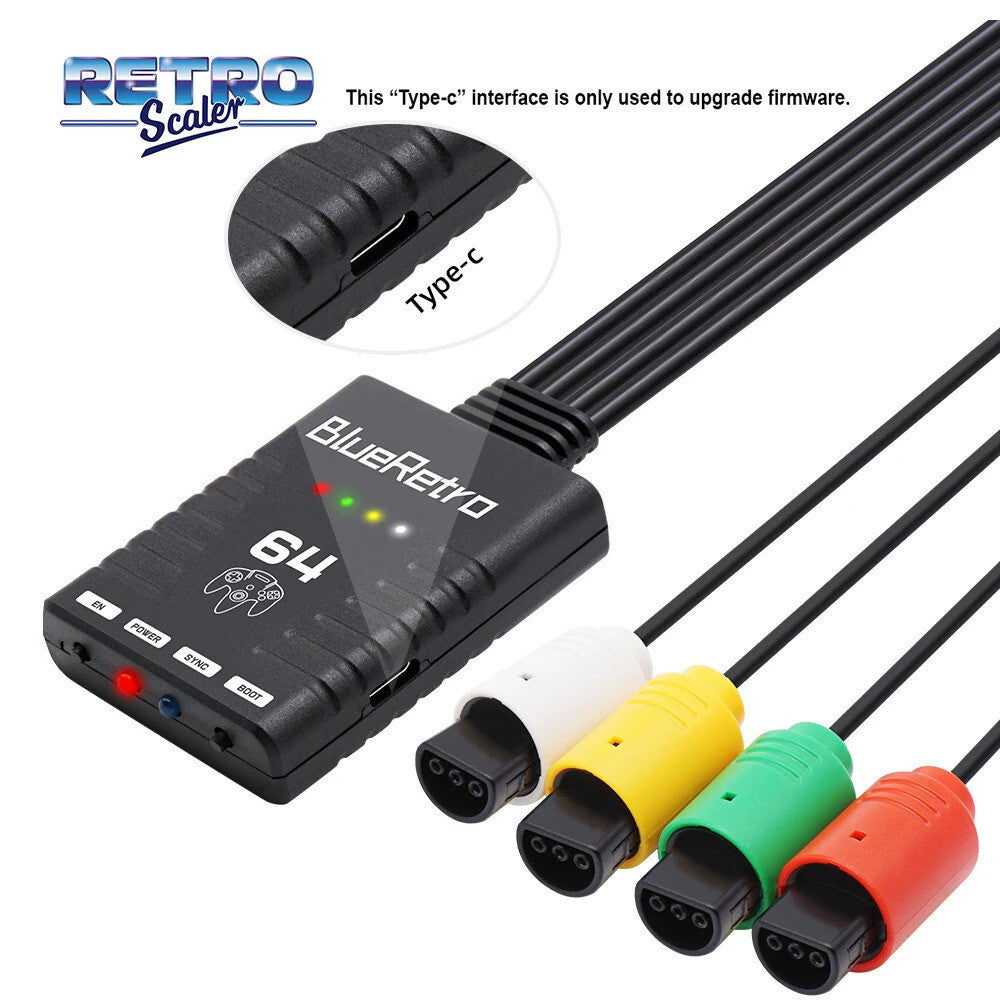
BlueRetro N64 Wireless Controller Adapter - For Nintendo 64 RetroScaler
BlueRetro N64 Wireless Controller Adapter - For Nintendo 64 RetroScaler
Couldn't load pickup availability
Introducing BlueRetro:
This device is a wireless controller adapter for Nintendo 64 consoles, compatible with the best-selling Bluetooth controllers on the market. Based on the open source project [darthcloud], built-in the popular ESP32 chip. Supports the PS3 / PS4 / PS5 / Xbox One S / Xbox Series X|S / Wii / Wii U Pro / Switch Pro/ Switch Joycon / 8bitdo / Retro-Bit Wireless Controller, etc.

Compatible Controllers:
• Wii / Wii U Pro
• Switch Pro / Switch
• Joycon /8bitdo/Retro-Bit
• PS3/PS4/PS5 wireless controller.
(NOTE:only official PS3 / PS4 controllers are supported.)
Controller Pairing Guide:
1. Press and hold the PAIR button before connecting the Blueretro adapter to the PC with a USB cable.
2. If the PC cannot recognize the adapter, please try to install the CH340 driver in the PC.
We Have Links to full resources on updating Firmware, and a video for keymap configuration you can request from us after purchase if you wish :)
Features:
• Only suitable for Nintendo 64 consoles.
• Up to 4 Bluetooth Controllers can be paired simultaneously.
• Support Rumble and memory pak (virtual).
• Almost zero latency, the PS4&PS5 controller less than 6ms of latenc using Blueretro.
• Compatibles Xbox One S/Xbox Series X|S /Wii / Wii U Pro/Switch Pro / Switch Joycon /8bitdo/Retro-Bit PS3/PS4/PS5 wireless controller.(NOTE:only official PS3 / PS4 controllers are supported.)
• The key value of the buttons can be configured through the web bluetooth port of the Google Chrome.
NOTE:
1. Please do not update the official firmware of darthcloud, it will cause problems such as wrong indicator lights and controller failures! The firmware uséd by this Blueretro converter is a recompiled version, which is different from the official darthcloud firmware.
2. The 8bitdo m30 controller is in joystick mode by default. Please press and hold the "Up" + "Select" keys on the controller for about 5 seconds to switch it to D-pad mode to solve the button non-working problem.
Registered UK Business:
Vida
Accessories LTD is a UK registered business based in the North-East of
England. We offer full english Customer support and endeavour to answer
all questions same day, should you have any problems you can rely on
friendly local support.
Feel free to contact us for any more information
Shipping